
i nigma: Scan Barcodes & QR Codes Instantly
Overview
Designed for iPhone, iPad, and iPod Touch users, i nigma is a free barcode and QR code scanning utility that simplifies product discovery, software downloads, and contact sharing. The app enables users to scan barcodes and QR codes using their device’s camera, then automatically retrieves product details from Amazon or Google. This functionality helps consumers research items before purchase, access mobile app downloads via QR codes, and instantly save contact information from business cards.
The app is particularly useful for shoppers, travelers, and professionals who need quick access to product or contact data. It supports a range of devices including the iPhone 4th generation, iPad 2, and compatible iPod Touch models. While the developer did not provide additional background information, the app’s feature set suggests a focus on practical, everyday utility.
Real-world scenarios include scanning a product in-store for reviews, downloading an app from a QR code on a poster, or saving a business contact from a card. The app also includes manual input options and a scan history for improved usability.
Key Features & Capabilities
- Barcode and QR Code Scanning – Use the device camera to scan standard barcodes and modern QR codes for instant data retrieval.
- Product Information Retrieval – Automatically searches Amazon or Google to display product details, pricing, and customer reviews.
- Business Card Scanning – Reads QR codes on business cards and allows users to save contact information or make calls directly.
- App Download Integration – Scans QR codes from websites to initiate app installations on iOS devices.
- Manual Code Entry – Allows users to input codes manually when scanning fails or is inconsistent.
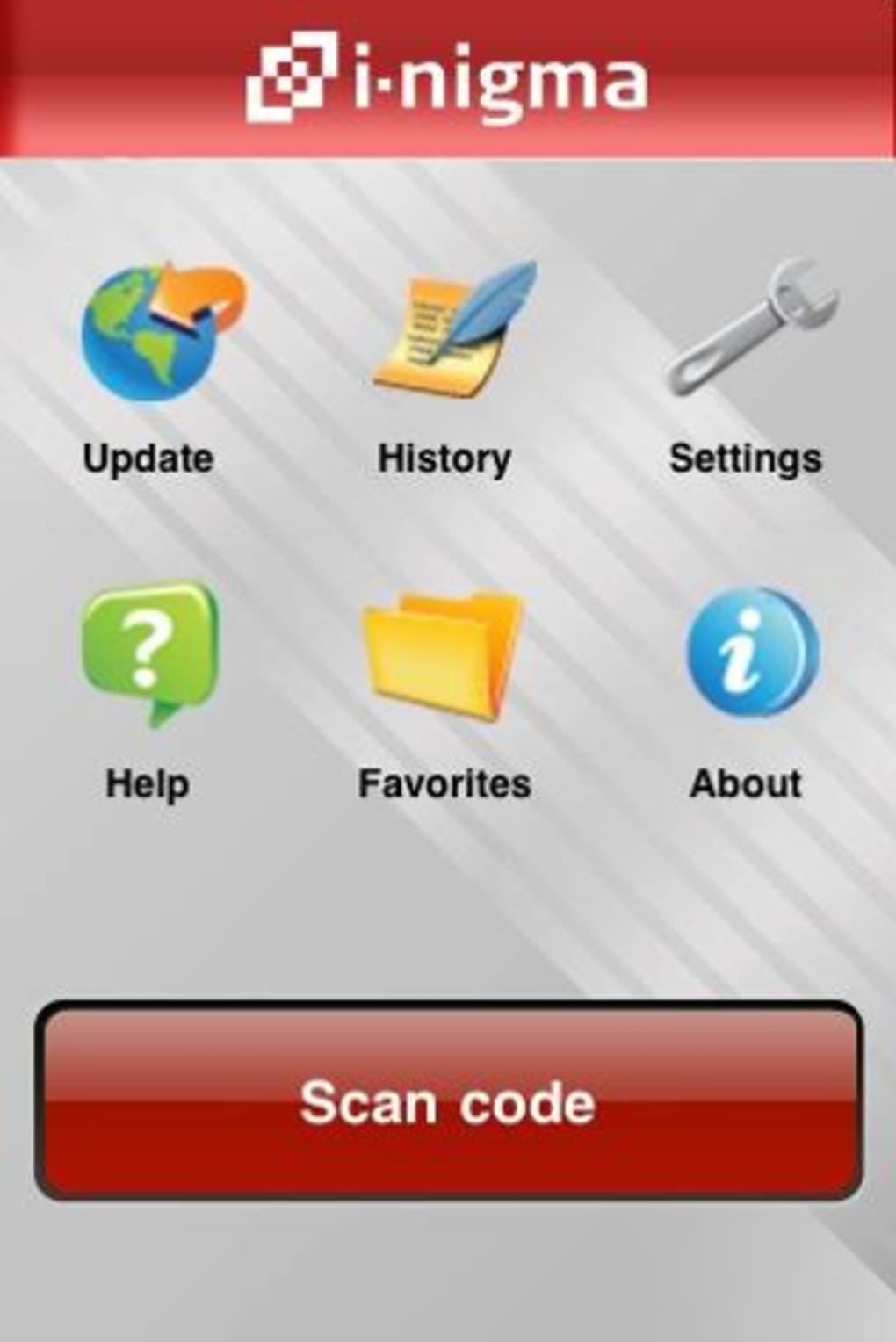
- Scan History & Favorites – Maintains a record of past scans and lets users save frequently used codes for quick access.
- Share and Export – Share scanned results via SMS or other messaging platforms.
- Enhanced Code Support – Added compatibility with coordinate barcodes and calendar barcodes in recent updates.
These features streamline workflows in retail, business networking, and digital content access. For example, a user can scan a barcode in a store to compare prices and read reviews without leaving the aisle. Another user might scan a QR code on a conference badge to instantly save a contact. The ability to manually enter codes ensures reliability even when camera focus or lighting conditions affect performance. The inclusion of calendar and coordinate barcodes expands the app’s utility beyond basic retail use, offering niche functionality for event planning and location-based services.
User Interface, Workflow & Performance
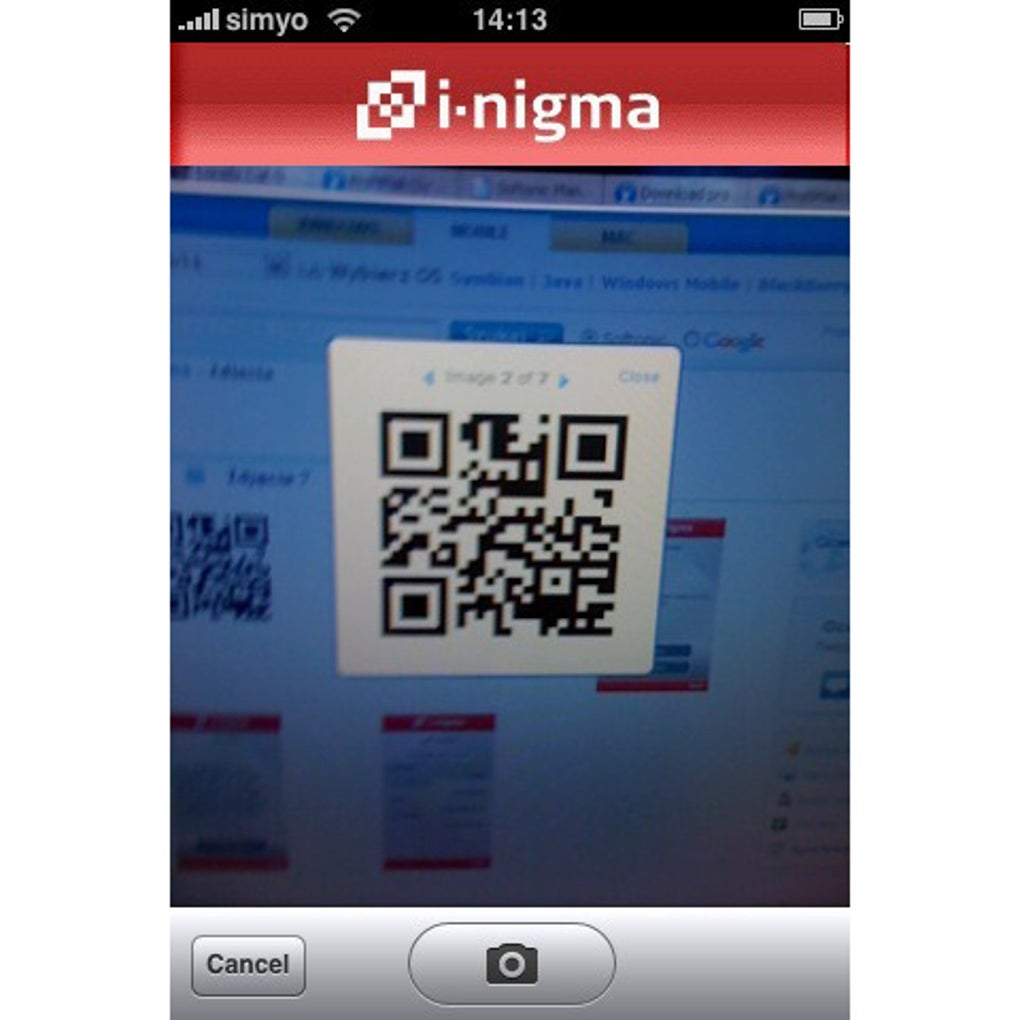
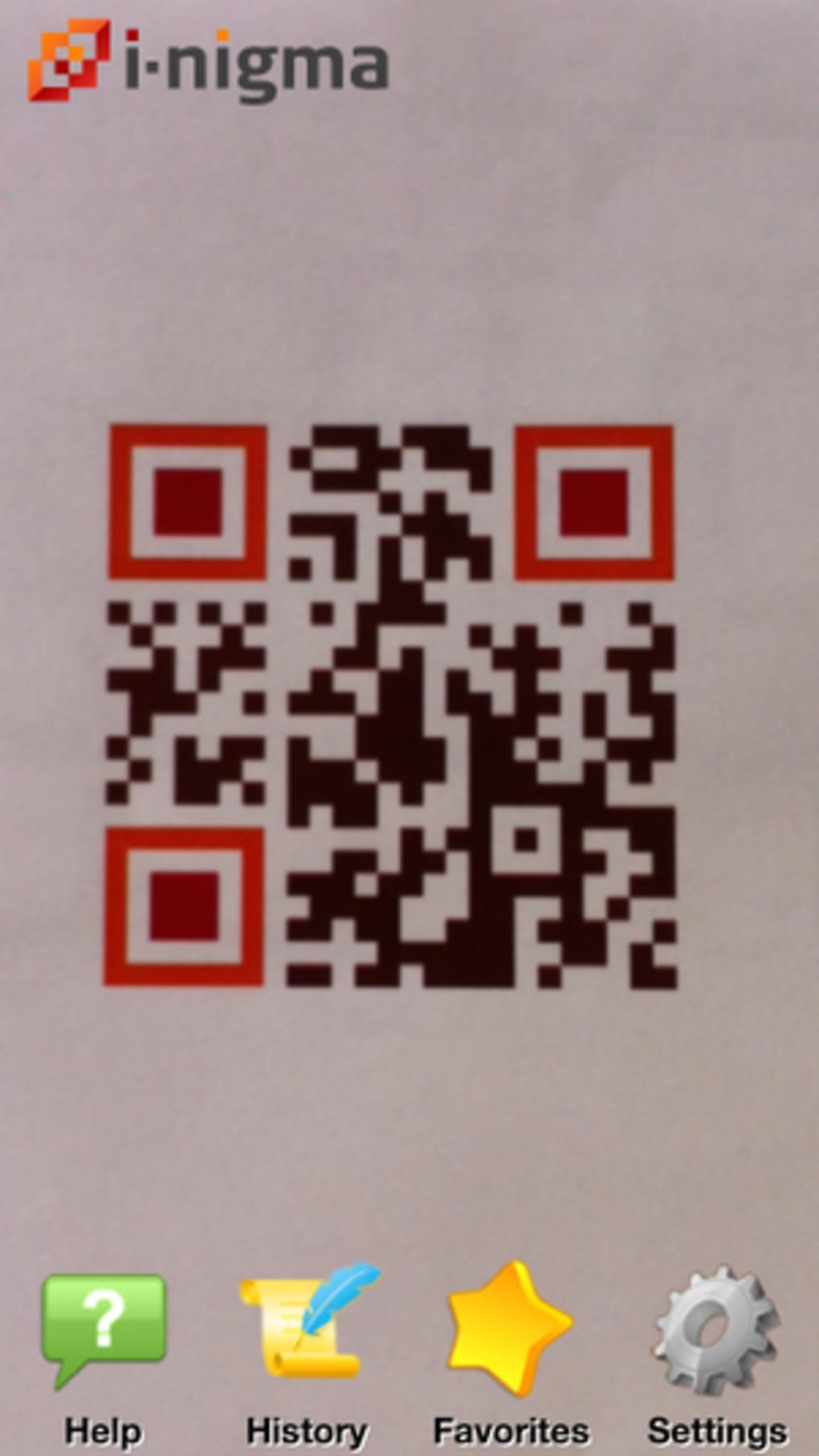
The user interface of i nigma is designed around a central camera viewfinder, with a focus box to guide users during scanning. Navigation is minimal, relying on intuitive gestures and on-screen prompts. The workflow begins with launching the app, positioning the camera over the code, and waiting for recognition.
The app’s performance depends heavily on lighting, camera focus, and code clarity. The developer did not specify resource usage details, but general software behavior suggests moderate CPU and RAM usage during active scanning. Stability appears consistent based on the app’s update history and lack of reported crashes.
Users may experience delays in recognition, especially with older devices like the iPhone 4th generation or iPad 2. The app does not provide real-time feedback during scanning, which may lead to uncertainty. However, once a code is recognized, the results load quickly.
The interface includes simple buttons for saving, sharing, and viewing history. While the design is functional, it lacks modern visual polish, reflecting its long-standing presence in the iOS ecosystem.
Compatibility & System Requirements
i nigma is compatible with iOS devices including the iPhone 4th generation, iPad 2, and specific iPod Touch models. The app requires iOS as the operating system and is available for download on the App Store. The installation size is 31.2 MB, which is modest for a camera-based utility.
The developer did not provide additional system requirements such as RAM, CPU, or minimum iOS version. Exact performance details were not specified. Compatibility information is limited to the listed devices and OS version.
Users should ensure their device meets the minimum hardware requirements for camera functionality and iOS compatibility. No information was provided regarding cloud sync, background scanning, or offline capabilities. The app’s functionality is entirely dependent on active camera access and internet connectivity during scanning.
Pros and Cons
Pros
- Free to download and use with no in-app purchases
- Supports both barcodes and QR codes for diverse use cases
- Offers product research via Amazon and Google integration
- Enables quick contact saving from business cards
- Includes manual code entry for reliability
- Maintains scan history and favorites
- Supports calendar and coordinate barcodes in recent updates
Cons
- Recognition speed can be slow, especially on older devices
- Not all scanned codes return results
- Camera focus delays may frustrate users
- Limited visual design and modern interface elements
- No offline mode or cloud backup for scan history
- Compatibility details not fully disclosed
FAQ Section
Is i nigma compatible with my iPhone or iPad?
i nigma supports iPhone 4th generation, iPad 2, and select iPod Touch models. Compatibility depends on the device’s camera and iOS version. Check the App Store for device-specific availability.
Is i nigma safe to use?
Yes, i nigma does not request unnecessary permissions and operates within standard iOS security protocols. It only accesses the camera and internet during scanning. No personal data is stored unless explicitly saved by the user.
How often does i nigma update?
The app receives periodic updates to improve compatibility, fix bugs, and add new barcode types. The latest version is 3.3.2, released on March 18, 2024.
Can I use i nigma without an internet connection?
Scanning requires an active internet connection to retrieve product data from Amazon or Google. Offline scanning is not supported.
What types of codes can i nigma scan?
i nigma can scan standard barcodes, QR codes, calendar barcodes, and coordinate barcodes. Manual entry is also available for unsupported or poorly scanned codes.
Final Thoughts
i nigma remains a practical, free tool for iOS users who need to scan barcodes and QR codes for product research, app downloads, or contact sharing. While its interface is dated and recognition speed can be inconsistent, its core functionality is reliable and well-suited for everyday tasks. The inclusion of manual input, scan history, and support for advanced barcode types enhances its utility.
Users seeking a no-cost solution for barcode scanning on older iOS devices will find i nigma to be a solid choice. For those needing faster performance or modern design, alternatives may be preferable. Still, i nigma delivers consistent value with minimal friction.
Download i nigma now.







